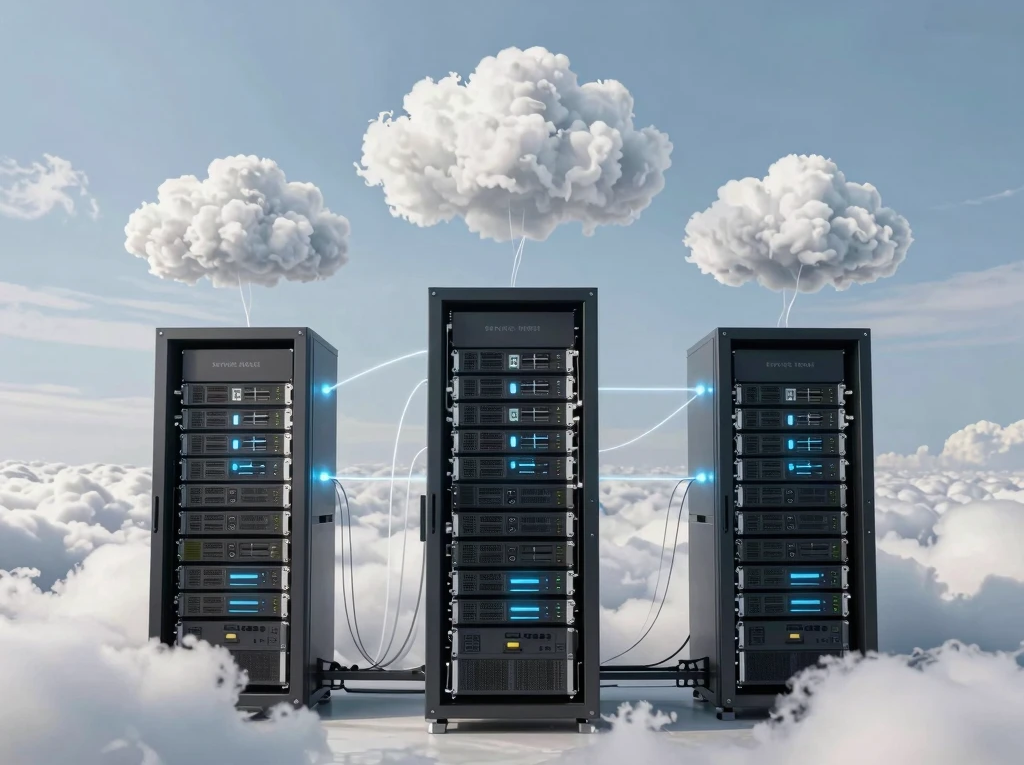
Cloud Computing: Types and Service Models
Introduction
Cloud computing has become one of the most important technologies in the digital era. It enables businesses, educational institutions, healthcare organizations, governments, and individuals to access computing resources over the internet without owning expensive physical infrastructure. By using cloud computing, organizations can store data, run applications, develop software, and manage business operations more efficiently.
As digital transformation continues across industries, understanding cloud computing has become essential for students, IT professionals, and business owners. Two of the most important concepts in cloud computing are its deployment types and service models. The deployment type determines how cloud infrastructure is organized and accessed, while the service model defines which services are provided by the cloud provider.
This article explains the major types of cloud computing, the three primary cloud service models, their advantages, differences, and real-world applications.
What is Cloud Computing?
Cloud computing is the delivery of computing services through the internet. These services include servers, storage, databases, networking, software, analytics, security, and artificial intelligence. Instead of purchasing and maintaining physical hardware, users rent computing resources from cloud providers whenever they need them.
Cloud computing follows a pay-as-you-go pricing model, allowing organizations to reduce infrastructure costs while increasing flexibility and efficiency.
Why Cloud Computing Matters
Modern businesses generate large amounts of data and require reliable systems that can support continuous operations. Traditional IT infrastructure often requires significant investments in hardware, software, maintenance, and skilled personnel.
Cloud computing solves these challenges by offering scalable, secure, and highly available services. Organizations can expand or reduce resources according to demand without purchasing additional equipment.
Types of Cloud Computing
Cloud computing is generally classified into four deployment models.
1. Public Cloud
A public cloud is owned and operated by a third-party cloud service provider. Computing resources such as storage, servers, and applications are delivered over the internet to multiple customers.
The provider manages the entire infrastructure, allowing businesses to focus on their applications instead of hardware maintenance.
Advantages of Public Cloud
- Low infrastructure costs
- Easy deployment
- High scalability
- Automatic updates
- Global accessibility
Disadvantages
- Less control over infrastructure
- Shared resources
- Data privacy concerns for highly sensitive information
Best Use Cases
- Small businesses
- Startups
- Website hosting
- Software development
- Online collaboration
2. Private Cloud
A private cloud is dedicated to a single organization. The infrastructure may be hosted internally or by a third-party provider, but all resources are reserved for one customer.
Private clouds provide greater control, stronger security, and better customization.
Advantages
- Enhanced security
- Greater privacy
- Full administrative control
- Better compliance with regulations
Disadvantages
- Higher operational costs
- Requires skilled IT staff
- More maintenance responsibilities
Best Use Cases
- Government agencies
- Financial institutions
- Healthcare organizations
- Large enterprises
3. Hybrid Cloud
A hybrid cloud combines public and private cloud environments. Businesses can store sensitive data in the private cloud while using the public cloud for less critical workloads.
This model provides flexibility, cost savings, and improved disaster recovery.
Advantages
- Greater flexibility
- Improved security
- Cost optimization
- Easy workload distribution
- Better business continuity
Disadvantages
- Complex management
- Integration challenges
- Higher planning requirements
Best Use Cases
- Growing businesses
- Seasonal workloads
- Disaster recovery
- Large organizations
4. Multi-Cloud
Multi-cloud refers to using cloud services from multiple providers instead of depending on a single vendor.
Organizations choose different providers for storage, analytics, machine learning, or hosting to improve reliability and avoid vendor lock-in.
Advantages
- Reduced dependency on one provider
- Better reliability
- Improved performance
- Greater flexibility
- Enhanced disaster recovery
Disadvantages
- Complex management
- Higher administrative workload
- Integration challenges
Cloud Service Models
Cloud computing services are mainly offered through three service models.
1. Infrastructure as a Service (IaaS)
Infrastructure as a Service provides virtualized computing resources over the internet. These resources include virtual machines, storage, networking, and servers.
The cloud provider manages the physical infrastructure, while customers manage operating systems, applications, and data.
Features of IaaS
- Virtual servers
- Storage services
- Networking
- Load balancing
- Firewalls
Advantages
- Lower hardware costs
- High scalability
- Flexible resource allocation
- Quick deployment
Typical Applications
- Website hosting
- Application development
- Disaster recovery
- Data backup
- Enterprise infrastructure
2. Platform as a Service (PaaS)
Platform as a Service provides a complete development environment where developers can build, test, and deploy applications.
The provider manages infrastructure, operating systems, middleware, and development tools, allowing developers to focus on writing code.
Features of PaaS
- Development frameworks
- Databases
- Application hosting
- Testing environments
- Continuous deployment tools
Advantages
- Faster software development
- Reduced maintenance
- Built-in development tools
- Improved collaboration
Typical Applications
- Mobile app development
- Web application development
- API development
- Software testing
3. Software as a Service (SaaS)
Software as a Service delivers complete software applications over the internet. Users access applications through a web browser without installing software on their computers.
The cloud provider manages everything, including infrastructure, software updates, security, and maintenance.
Features of SaaS
- Web-based applications
- Automatic updates
- Subscription pricing
- Easy accessibility
- Multi-device support
Advantages
- No installation required
- Lower costs
- Easy maintenance
- Quick deployment
- Accessible from anywhere
Typical Applications
- Email services
- Office productivity software
- Customer relationship management
- Video conferencing
- Project management
Comparison of Cloud Service Models
Understanding the differences between IaaS, PaaS, and SaaS helps organizations choose the right solution.
| Feature | IaaS | PaaS | SaaS |
|---|---|---|---|
| Infrastructure | Provided | Provided | Provided |
| Operating System | Customer manages | Provider manages | Provider manages |
| Development Tools | Customer installs | Included | Not required |
| Applications | Customer develops | Customer develops | Ready to use |
| Maintenance | Mostly customer | Shared | Provider |
Choosing the Right Cloud Model
Selecting the appropriate cloud model depends on several factors.
Organizations should consider:
- Budget
- Security requirements
- Compliance regulations
- Technical expertise
- Business size
- Future growth
- Performance requirements
Small businesses often prefer public cloud and SaaS because they are affordable and easy to use. Large enterprises handling sensitive information may choose private or hybrid cloud solutions for greater control and security.
Real-World Applications
Cloud computing supports a wide range of industries.
Education
Schools and universities use cloud platforms for online classes, digital assignments, collaboration, and virtual learning.
Healthcare
Hospitals store patient records securely, support telemedicine, and analyze healthcare data using cloud services.
Banking
Banks use cloud computing for fraud detection, digital banking, secure transactions, and customer relationship management.
E-commerce
Online retailers rely on cloud infrastructure for website hosting, payment processing, inventory management, and customer analytics.
Manufacturing
Manufacturers monitor production lines, manage supply chains, and analyze machine performance through cloud platforms.
Government
Government agencies use cloud computing for digital services, document management, public administration, and secure data storage.
Future of Cloud Computing
Cloud computing continues to evolve with technologies such as artificial intelligence (AI), machine learning (ML), edge computing, blockchain, and the Internet of Things (IoT). Businesses are increasingly adopting hybrid and multi-cloud strategies to improve flexibility, resilience, and performance.
As organizations continue their digital transformation journeys, cloud computing will remain the foundation of innovation, enabling faster software development, improved collaboration, stronger security, and better customer experiences.
Conclusion
Cloud computing has transformed the way organizations use technology by providing flexible, scalable, and cost-effective computing resources over the internet. Understanding the different deployment types—public, private, hybrid, and multi-cloud—helps businesses choose the infrastructure that best meets their needs.
Similarly, the three cloud service models—IaaS, PaaS, and SaaS—offer different levels of control and responsibility, making cloud computing suitable for businesses of all sizes and industries.
As cloud technologies continue to advance, they will play an increasingly important role in supporting digital transformation, innovation, and global connectivity. Learning about cloud computing types and service models is essential for anyone preparing for a career in information technology or managing modern business operations.